To enable Kiosk Mode (self-service) on your iPad, follow the steps below. (Available on the Essential tier only — TANITA App Universe)
Apple iPad (Guided Access)
Pre-setup: Go to iPhone Settings > Accessibility > Guided Access and turn it ON.
How to Start (The "Enable" Step):
1.Open the TANITA App Universe and go to tab: ‘Kiosk’

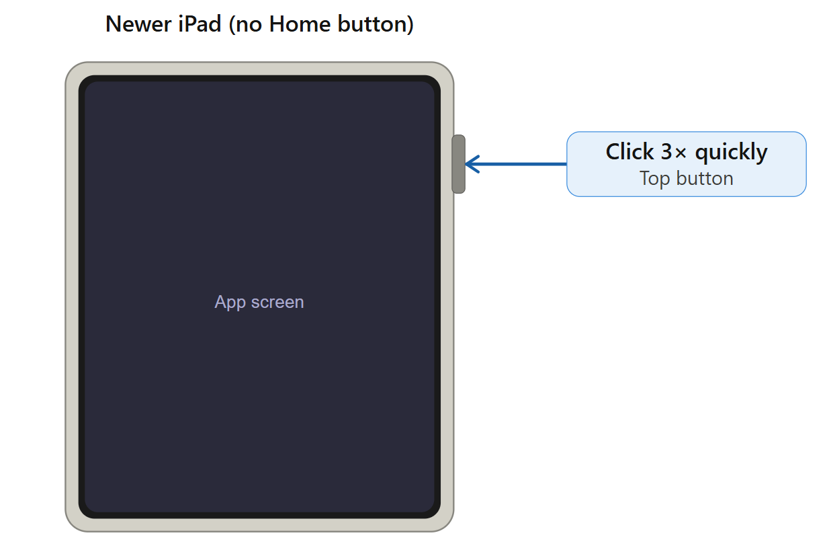
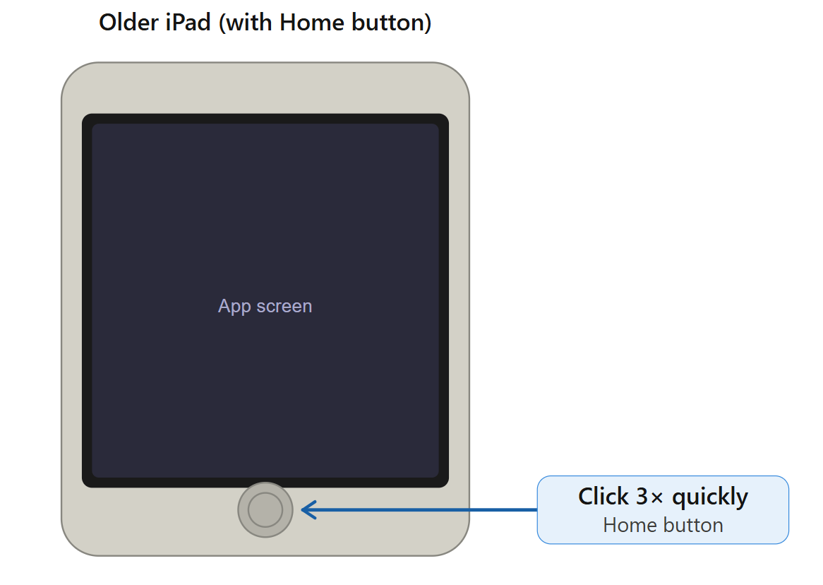
2.Triple-click the button:
・Modern iPad: Triple-click the Top Button.
3.The "Guided Access" setup screen will appear.
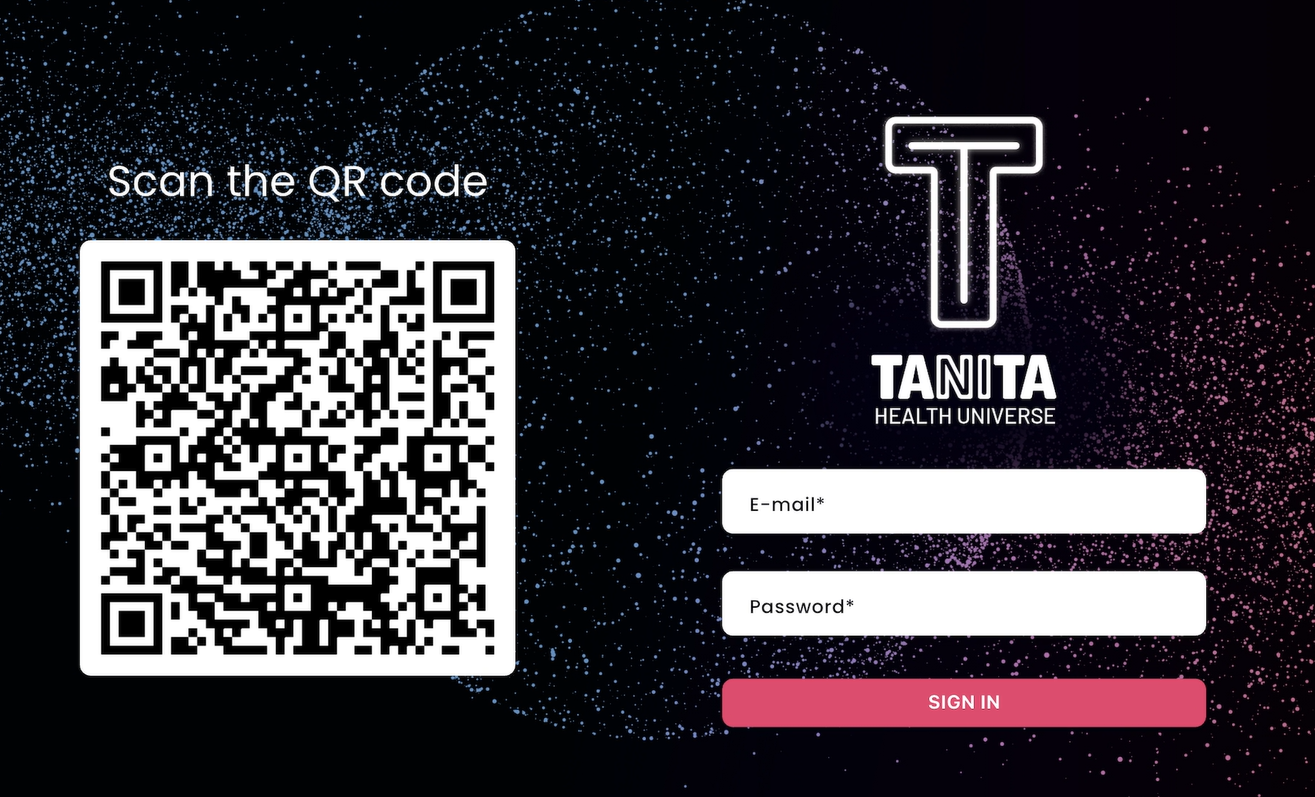
4. CRITICAL STEP: Tap “Start” (or “Resume”) in the top-right corner to lock the screen. After this your screen will look like in the picture below and is ready for your clients to sign in with credentials or by scanning the QR-code: