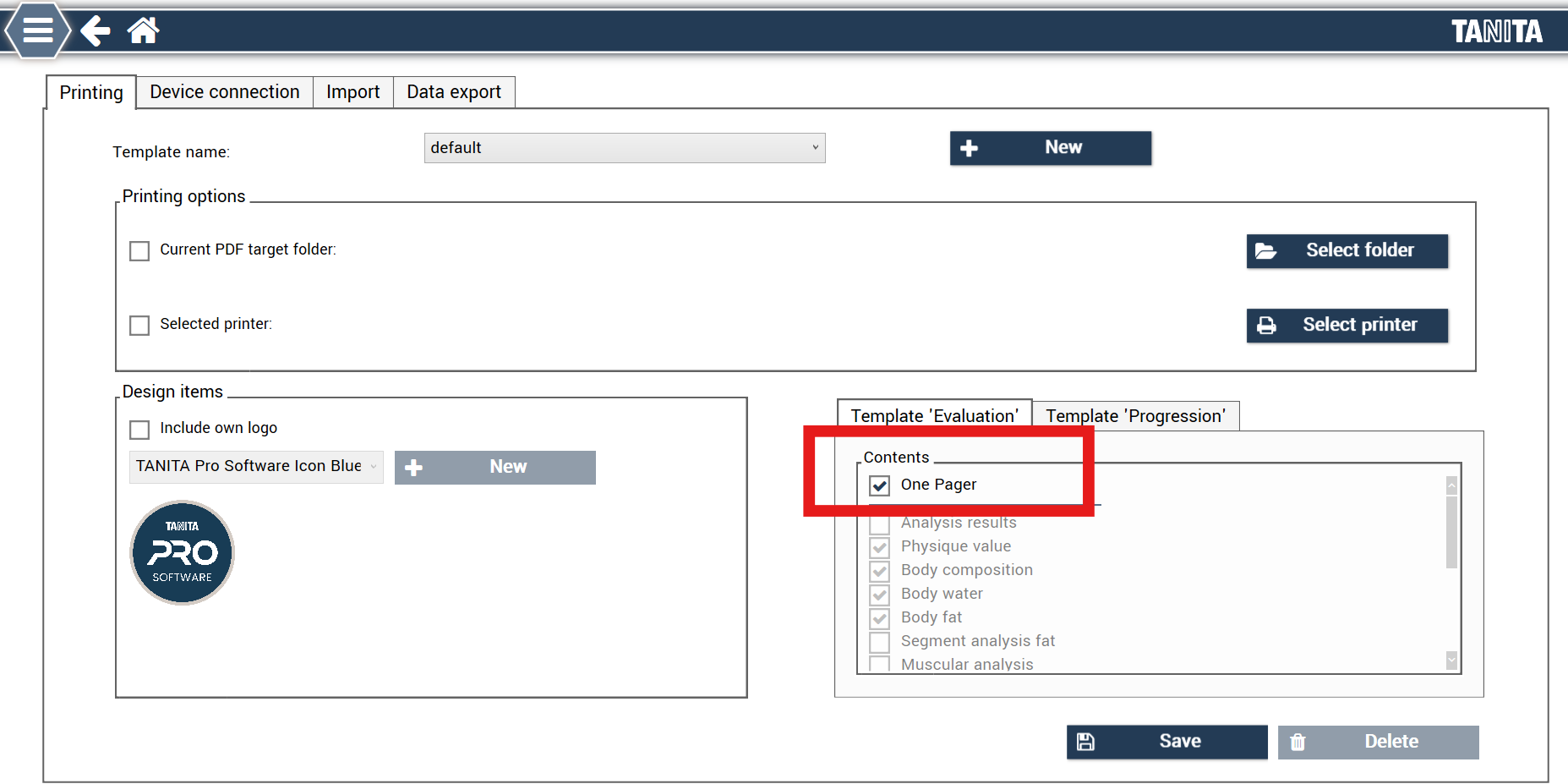
To select a standard one page like attached example go to:
- Settings > TANITA > Printing > 'Template Evaluation'
- Select 'One pager'
- Press 'Save'
The report in the attachment will now be available to share via print, email or QR-code with individual clients.